Mortgage Websites & SEO
Mortgage Website Templates: How to Choose the Right Design for Your Business
A practical framework for choosing a mortgage website template, with a side-by-side comparison of real template styles and the questions to ask before you commit.
By Mortgage Site Pros Editorial Team · Published · Updated
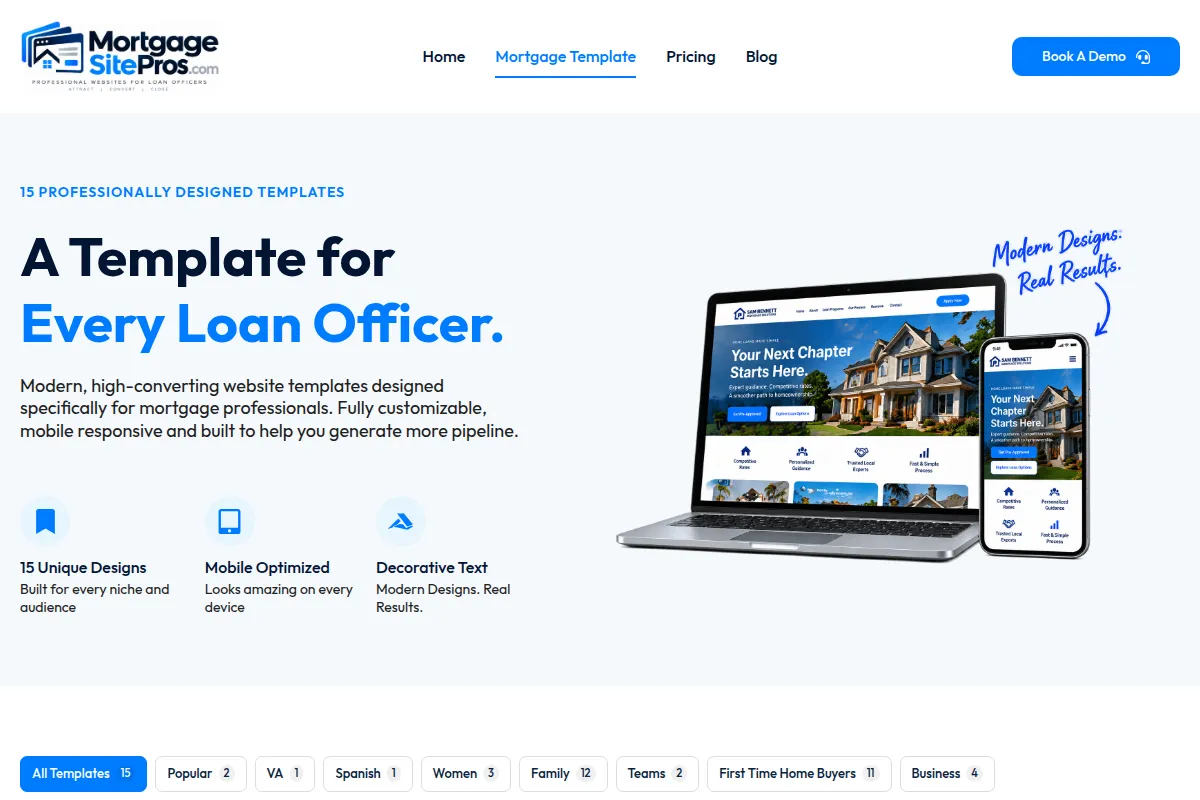
A mortgage website template is a pre-designed site structure built for loan officers, teams or brokerages: homepage, loan program pages, about, contact, calculators and usually a blog, ready for your name, photo, licensing details and copy. Choosing one well saves months. Choosing badly means fighting the layout every time you want to change something.
The right template is not the prettiest one in the gallery. It is the one whose structure matches how you get business. A referral-driven solo loan officer, a five-person purchase team and a refinance-focused broker need different emphasis, even if the colors could be swapped in minutes.
This guide gives you a decision framework and a visual comparison of real template styles. For the broader question of what makes a mortgage site perform, read what the best loan officer websites do differently, and for where your site fits in your overall plan see the 2026 loan officer marketing guide.
Template or custom build: which do you need?
A template is the right choice when your needs are close to what most loan officers need, which is true more often than designers like to admit. Borrowers expect a familiar structure: who you are, what you offer, how to start. Custom design makes sense if you have a detailed brand guide from your company, need unusual functionality, or are building a multi-branch site with complex navigation and many contributors.
| Factor | Mortgage template | Custom build |
|---|---|---|
| Time to launch | Usually short; mostly waiting on your content and approvals | Often months, depending on scope |
| Mortgage structure | Programs, calculators and compliance footer already planned | Must be specified and built |
| Cost predictability | Higher; scope is defined by the template | Lower; scope can grow |
| Uniqueness | Shared layout, customized with your photos, copy and colors | Fully unique |
| Ongoing edits | Usually simple within the template | Depends on how it was built |
Step 1: Match the layout to your business model
Start by finishing one sentence honestly: most of my closed loans come from ___. The answer points to a layout style.
Referral-driven solo loan officer
You need a personal, trustworthy homepage with your photo, story and reviews, plus a page realtors can share. Choose a template that centers one person and keeps the contact path short.
Team or branch
Visitors need to see the people. Look for team grids with roles and individual NMLS IDs, and a way to route inquiries to the right person. Partner-facing content matters more here.
Content and search-driven
If you plan to grow through organic search, choose a template with a strong blog, readable article layout and room for local landing pages. Pair it with a plan from our mortgage SEO guide.
Niche specialist
VA, self-employed, renovation or investor specialists need program pages that go deep. Check that the template lets you add detailed sub-pages without breaking navigation.
Visual comparison of real template styles
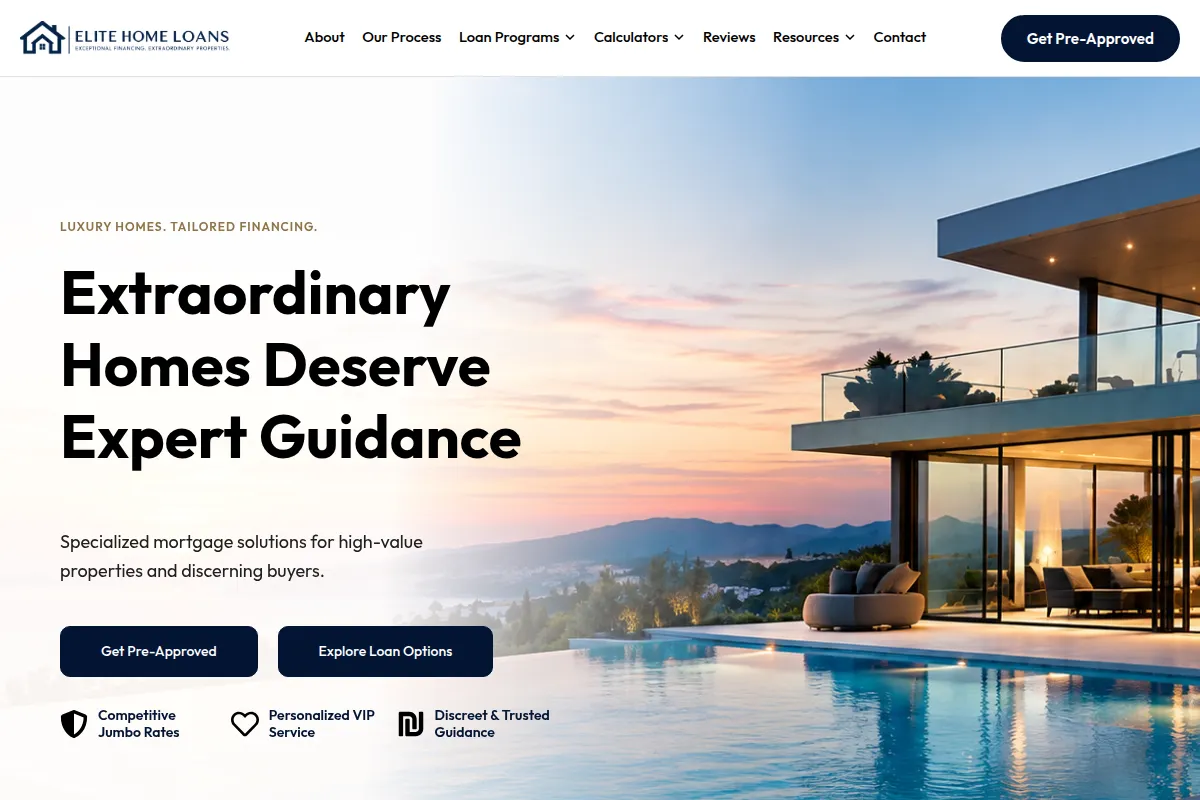
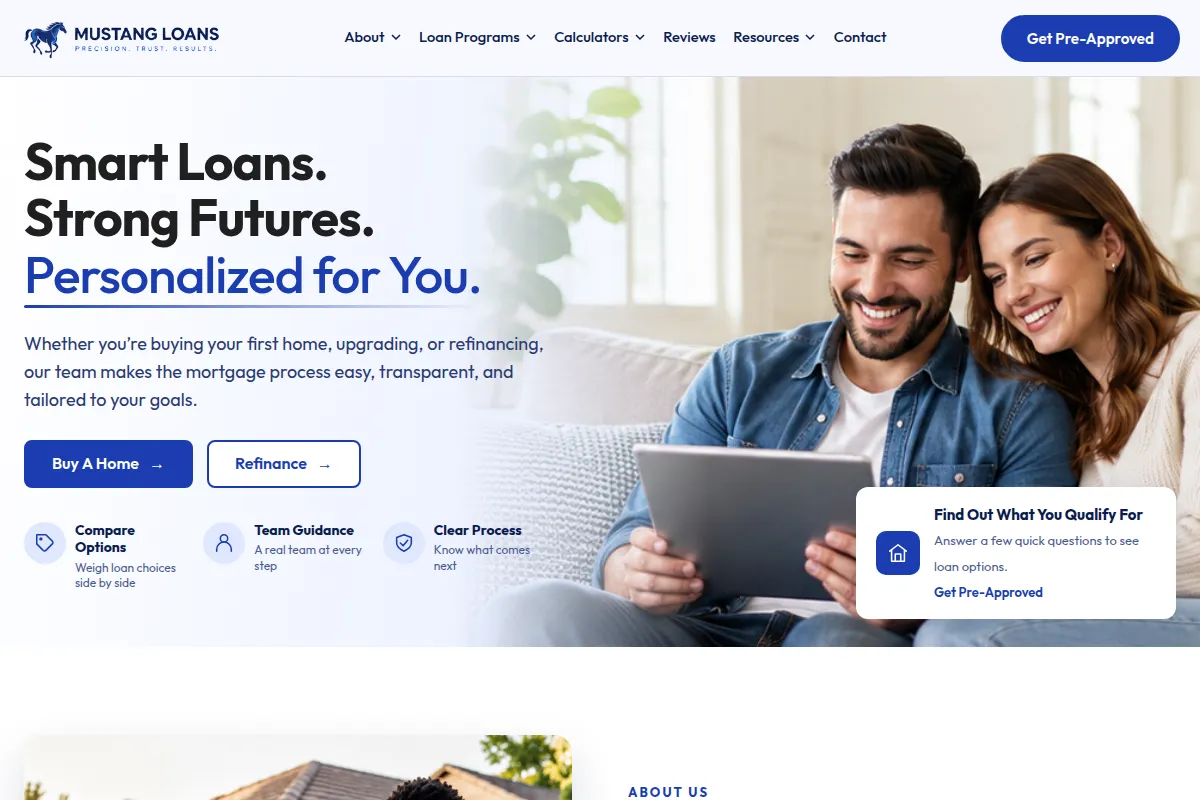
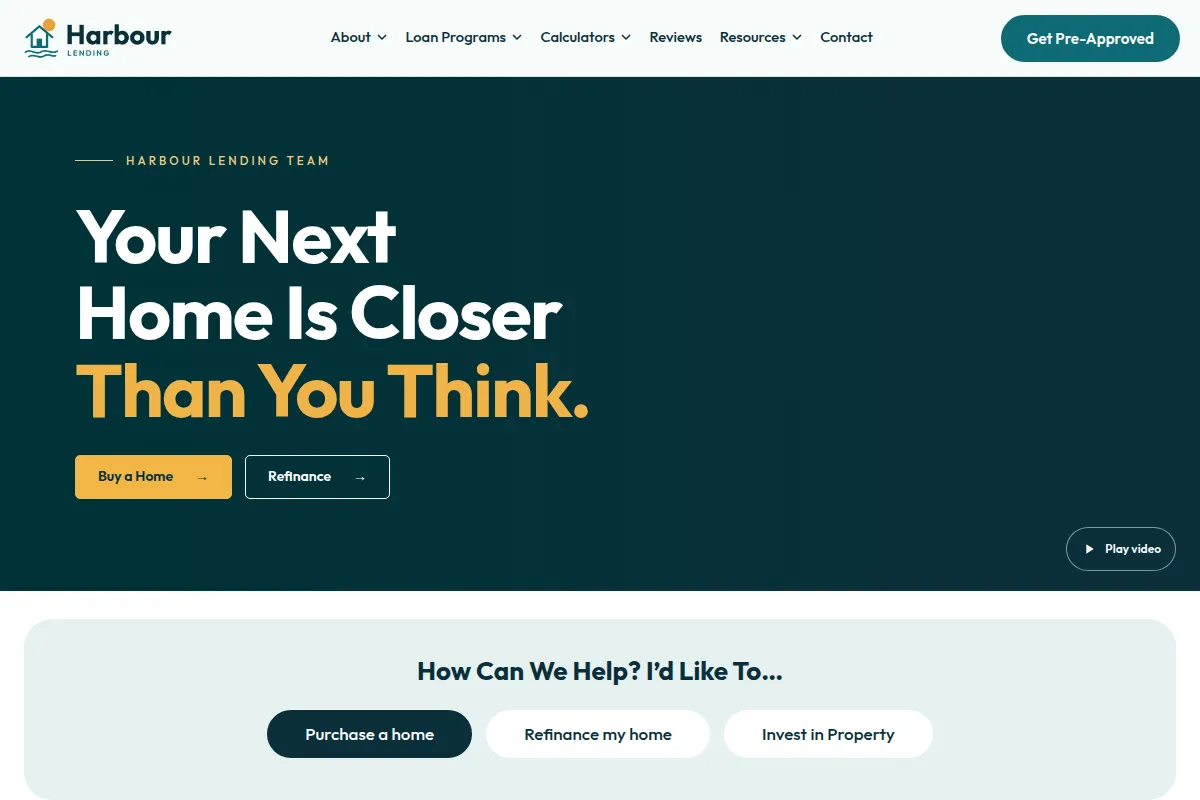
Here are three real Mortgage Site Pros templates captured from their live previews. Click a screenshot to open the preview and test it on your own phone before deciding.
| Template | Best fit | Strength | Consider if |
|---|---|---|---|
| Elite Home | Solo loan officer, referral and purchase focus | Personal branding and a direct apply path | Your name is your brand |
| Team Advantage | Teams and branches | Introducing several people with roles | Agents and borrowers ask who they will work with |
| Harbour Lending | Educational, content-led loan officers | Readable layout and blog emphasis | You will publish guides regularly |
Step 2: Check the non-negotiables
Whatever style you prefer, a mortgage template should pass these checks before you commit.
- Compliance space: a footer that fits individual and company NMLS IDs, licensing states, Equal Housing logo and any required disclosure text without looking crammed.
- Mobile behavior: tappable phone, readable text, menus that open and close cleanly. Test on a real phone, not only a resized desktop browser.
- Speed: light pages, compressed images and no unnecessary scripts. See web.dev on Web Vitals.
- Forms: short, labeled fields and a clear confirmation. Know where submissions go.
- Program pages: easy to add, remove and rename programs you actually offer.
- Blog and page structure: real headings (one H1 per page) and editable page titles and descriptions for SEO.
- Accessibility: sufficient color contrast and keyboard-usable navigation, guided by WCAG.
Step 3: Customize what matters, leave the rest
The fastest launches come from customizing four things well: your headline, your photos, your program list and your contact path. Colors and fonts matter less than people think, as long as they are readable and consistent with any company brand rules.
Write your homepage headline last, after you have written your program pages, because by then you will know exactly what you want to be known for. Replace every placeholder testimonial and statistic with real, permissioned content or remove the section entirely. An empty section is better than an invented one.
- Swap stock images for a real headshot and, if possible, local photos.
- Delete loan programs you do not offer rather than leaving them for later.
- Write a short realtor section explaining how you communicate during a transaction.
- Set page titles and meta descriptions for every page before launch.
Step 4: A launch checklist
Once your content is in, work through launch in this order so nothing goes live unreviewed.
- Compliance review of the footer, disclosures, program descriptions and any calculator text.
- Submit test leads from desktop and phone and confirm delivery.
- Check every link, including the application portal.
- Connect analytics so you can count form submissions and call clicks.
- Set up or update your Google Business Profile with the same name, phone and website.
- Plan your first three content pieces from the questions borrowers ask you most.
Common template mistakes to avoid
Most template problems we see are not design problems; they are content and maintenance problems. A few patterns come up again and again when loan officers launch quickly and never revisit the site.
- Leaving demo copy in place. Placeholder bios, sample reviews and generic program text make a site look abandoned and can create compliance problems if they describe programs you do not offer.
- Too many calls to action. Apply, call, text, chat, subscribe and download in one hero section splits attention. Choose one primary action and one secondary.
- Ignoring the realtor audience. Agents often check your site before sending a buyer. A short page explaining how you communicate during a transaction answers their main question.
- Mismatched information. Your name, phone, company and NMLS ID should match your Google Business Profile, social profiles and NMLS record.
- Forgetting the after-hours experience. Test what a borrower sees and receives when they submit the form on a weekend.
After launch: turning a template into a system
A template gives you a strong structure, but leads come from what surrounds it: content, referrals and follow-up. The next steps for most loan officers are publishing helpful local content (mortgage SEO), building a consistent plan to get more mortgage leads, and making sure every inquiry gets a timely response through lead follow-up.
Revisit the site quarterly. Remove programs you no longer offer, refresh photos, update team members and check that disclosures still match your current company requirements. A site that is obviously out of date quietly tells visitors you might be too.
Frequently asked questions
Are mortgage website templates bad for SEO?
No. Search engines evaluate page content, structure and usefulness, not whether a layout is shared with other sites. What hurts is thin or duplicated copy. Replace template text with your own program explanations and local content.
Can I switch templates later?
Usually, though some content may need reformatting. Keeping your copy organized by page makes switching easier. Ask what a migration involves before you commit.
What pages should a mortgage template include?
Home, about or team, loan programs, calculators, contact, a blog or resources section, privacy policy and a realtor or partner page if you work with agents.
How long does it take to launch a template site?
The build itself is quick. The real timeline is usually your content, photos and compliance approval. Gathering these before you start is the single biggest time saver.
Should every loan officer on a team have a separate website?
It depends on company policy and how the team markets. A shared team site with individual profile sections is often simpler to keep compliant and current; individual sites can work for loan officers with strong personal brands.
Sources and further reading
Compare the live template previews
Open each mortgage website template, test it on your phone and choose the structure that fits how you get business.
Explore mortgage website templates