AI & Automation
Mortgage Marketing Automation: How to Follow Up With Leads Without the Manual Work
The workflows worth automating for loan officers, the ones to keep personal, and how to map triggers, messages and tasks without burying borrowers in drips.
By Mortgage Site Pros Editorial Team · Published · Updated
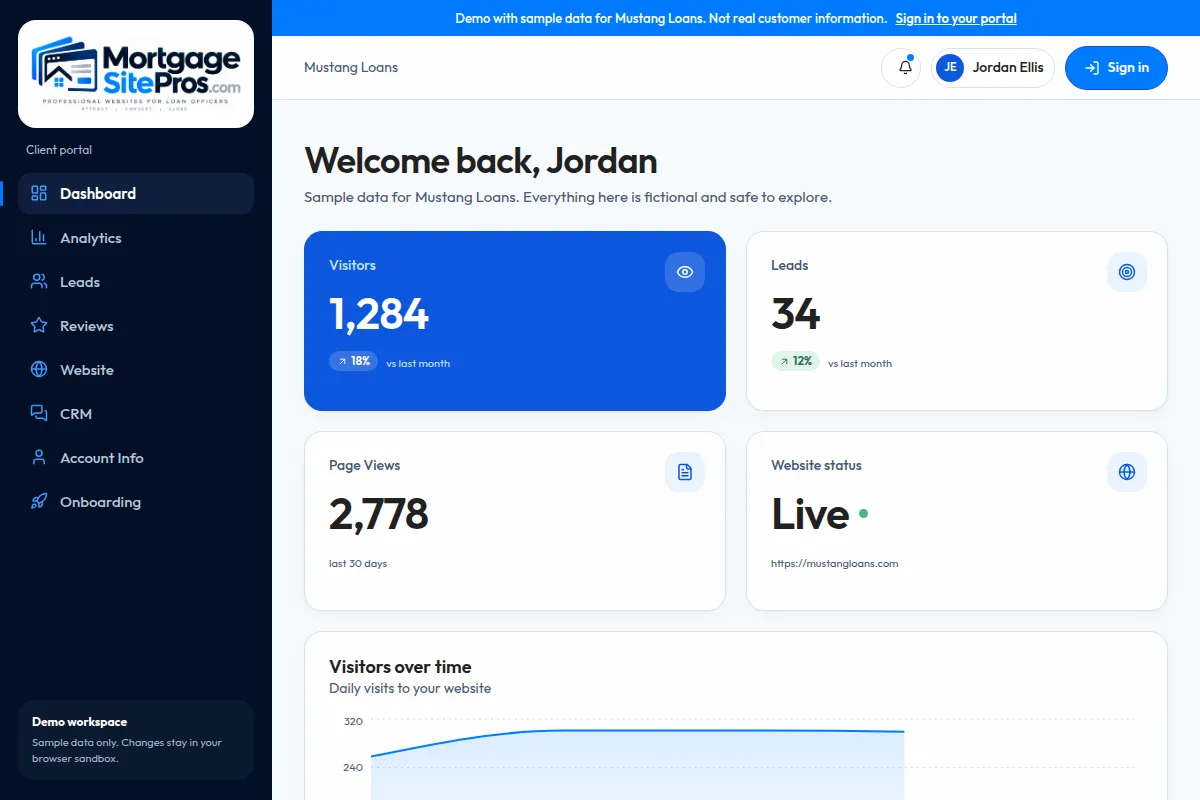
Mortgage marketing automation means using software to send the right routine message or create the right task when something happens: a new inquiry arrives, a loan reaches a milestone, a pre-approval nears expiration, a closing anniversary comes around. Done well, it removes the manual reminders that slip through the cracks. Done badly, it buries people in generic drip emails.
The rule we use is simple: automate the routine, personalize the decisions. Automation should make sure nobody is forgotten and that the loan officer knows exactly who to call today. It should not try to replace the conversation.
This article covers workflow design. For message-level detail on texting and email, read mortgage lead follow-up. For choosing the system that runs it, see the mortgage CRM guide. And for the complete plan, see the loan officer marketing guide.
How mortgage marketing automation works
Every automation has three parts: a trigger, conditions and actions.
- Triggers usually come from your website, CRM, LOS milestones or dates.
- Conditions protect consent and relevance.
- Actions should include at least one human task in every lead workflow.
| Part | Meaning | Example |
|---|---|---|
| Trigger | The event that starts the workflow | Website contact form submitted |
| Conditions | Rules that decide which path to follow | Lead consented to SMS; inquiry type is purchase |
| Actions | Messages sent, tasks created, fields updated | Send approved acknowledgment text; create call task due within business hours |
A new-lead workflow, step by step
Here is a practical new inquiry workflow. Times are examples to adapt, not benchmarks.
| Step | When | Action | Owner |
|---|---|---|---|
| 1 | Immediately | Acknowledge by email (and SMS only if consented) with your name and what happens next | Automation |
| 2 | Immediately | Create a call task and notify the loan officer | Automation |
| 3 | Same business day | Personal call or text from the loan officer | Loan officer |
| 4 | Day 2 | If no contact, a short personal-style email with one helpful resource | Automation, approved template |
| 5 | Day 4 to 5 | Second call attempt task | Loan officer |
| 6 | Week 2 | Check-in asking if timing changed | Automation |
| 7 | After that | Move to long-term nurture with a monthly or less frequent useful update | Automation |
Five workflows worth automating
Beyond new leads, these are the workflows most loan officers benefit from.
Pre-approval follow-up
When a borrower is pre-approved but has not found a home, schedule periodic check-ins and a reminder before the pre-approval or credit report expires. Include the buyer’s agent where appropriate and permitted.
Loan milestone updates
Application received, appraisal ordered, conditional approval, clear to close. Automated status updates to borrowers and agents reduce where-are-we calls. Many CRMs drive these from LOS integrations.
Realtor partner touches
Notify partners when a shared client hits a milestone, and remind yourself to check in with active partners regularly. See realtor referral marketing.
Past-client anniversaries
A closing anniversary note is a natural reason to reconnect. Keep it personal and short.
Stale lead reactivation
Leads that went quiet months ago can receive a short, relevant check-in. Respect anyone who opted out.
What to keep personal
Automation should support, not impersonate. Keep these human:
- The first real conversation about a borrower’s goals.
- Any discussion of programs, pricing or eligibility.
- Responses to replies. When someone answers an automated message, a person should reply.
- Sensitive moments: a denial, a delay, a problem at closing.
Consent, opt-outs and compliance
Commercial email must follow the CAN-SPAM Act, including truthful headers and subject lines, identification as an advertisement where required, a valid physical postal address and a clear way to opt out that you honor promptly. The FTC CAN-SPAM guide explains the requirements.
Texting and automated calls raise additional consent requirements under the Telephone Consumer Protection Act and related rules; see the FCC guidance. Record consent at the point of collection, honor STOP replies across every workflow, and have your compliance team approve consent language and templates.
Referral partner automation also touches RESPA. Giving or receiving things of value for referrals of settlement service business is restricted; the CFPB RESPA FAQs are the current reference, and your compliance team should review co-marketing arrangements.
Practical examples by business type
The same building blocks look different depending on how you get business.
Referral-driven purchase loan officer
Most leads arrive through agents. The priority workflows are referral received notifications to agents, pre-approval expiration reminders, and milestone updates during the transaction. A monthly partner check-in task keeps relationships warm. New-lead drips matter less because nearly every lead gets a personal call within hours.
Content and website-driven loan officer
More inquiries come from strangers who found an article. They are often earlier in their journey, so the long-term nurture path matters more. A useful monthly email tied to new articles, and a check-in at the time frame they mentioned on the form, keep you relevant until they are ready.
Team with an assistant
Automation routes inquiries by rules, such as by state or loan type, assigns tasks, and alerts a team lead when a lead is untouched after a set period. Reporting shows which loan officer and which source produced each application.
Automation mistakes to avoid
Automation errors scale. One bad template sent to a whole database is a bigger problem than one awkward email.
- No exit conditions. When a lead applies, replies or opts out, every nurture sequence should stop automatically.
- Merge field failures. Test what happens when a first name is missing so nobody receives Hi FIRSTNAME.
- Overlapping sequences. One contact in three workflows can receive several messages in a day. Use rules to prevent overlap.
- Unreviewed templates. Every template should be approved by compliance and reviewed when programs or policies change.
- Ignoring replies. Route replies to a person immediately; an unanswered reply to an automated message feels worse than no message.
Workflow ownership and testing
Every automated workflow needs a named owner who knows what it sends, when and why, and who reviews it on a schedule. Without ownership, workflows keep running long after programs, staff or policies change.
- Use a test contact with your own email and phone to receive every message.
- Confirm exit conditions: reply, application and opt-out each stop the sequence.
- Keep a change log of template edits and approvals.
| Workflow | Owner | Review cadence | Test before launch |
|---|---|---|---|
| New-lead acknowledgment | Loan officer | Quarterly and whenever contact details change | Submit a website lead with and without SMS consent |
| Milestone updates | Processor or operations | When LOS stages change | Move a test loan through each stage |
| Pre-approval expiration | Loan officer | Quarterly | Set a test date and confirm the reminder fires |
| Partner notifications | Loan officer | Semiannually | Link a test agent to a test borrower |
| Past-client anniversaries | Assistant | Annually | Import a record with a near-term date |
A 30-day build plan
Do not build everything at once.
- Days 1 to 7: connect your website form to your CRM and confirm consent fields. Scope this with your web provider.
- Days 8 to 14: launch the new-lead workflow with compliance-approved templates.
- Days 15 to 21: add milestone updates.
- Days 22 to 30: add pre-approval follow-up and anniversaries, then review replies and opt-outs.
Where Mortgage Site Pros fits
We build the website and can scope connecting its forms to your chosen CRM or automation tool. Integrations are confirmed per project. Start by exploring templates or contacting us.
Frequently asked questions
What is mortgage marketing automation?
Software rules that send routine messages and create tasks when events happen, such as a new inquiry, a loan milestone or a closing anniversary, so follow-up is consistent without manual reminders.
Will automation make my follow-up feel robotic?
It can if you automate conversations. Automate acknowledgments, reminders and updates, keep messages short and personal in tone, and make sure a person replies whenever someone responds.
How many emails should a new lead receive?
There is no single correct number. Start with a few useful touches in the first two weeks, mixed with personal calls, then move to infrequent long-term nurture. Watch replies and unsubscribes and adjust.
Do I need consent to text leads?
Texting raises consent requirements under federal and state rules. Capture clear consent, honor opt-outs, and have your compliance team approve the language.
Which tool runs mortgage automation?
Usually your CRM. See how to choose a mortgage CRM for evaluation criteria.
Who should own automated workflows on a team?
Name one owner per workflow. Loan officers usually own lead and partner workflows, operations owns milestone updates, and an assistant may own anniversaries. Owners review templates on a set schedule and whenever programs, staff or policies change.
How do I test an automation safely?
Create a test contact using your own email and phone, run it through every branch, and confirm exit conditions work: a reply, an application and an opt-out should each stop the sequence immediately.
Sources and further reading
Automate your mortgage business, carefully
Talk through which automations make sense, which tools you already use, and what a website-to-CRM connection would involve. We confirm scope before any work.
Plan your automation